




Article 1: The Foundations of Cyber Hygiene
Every day, billions of gigabytes of data circulate across the internet, carrying personal identities, banking credentials, and private communications. Building a secure digital presence begins with cyber hygiene—the routine practices individuals follow to maintain system health and security. Just as daily physical hygiene prevents illness, digital hygiene prevents malicious intrusions.
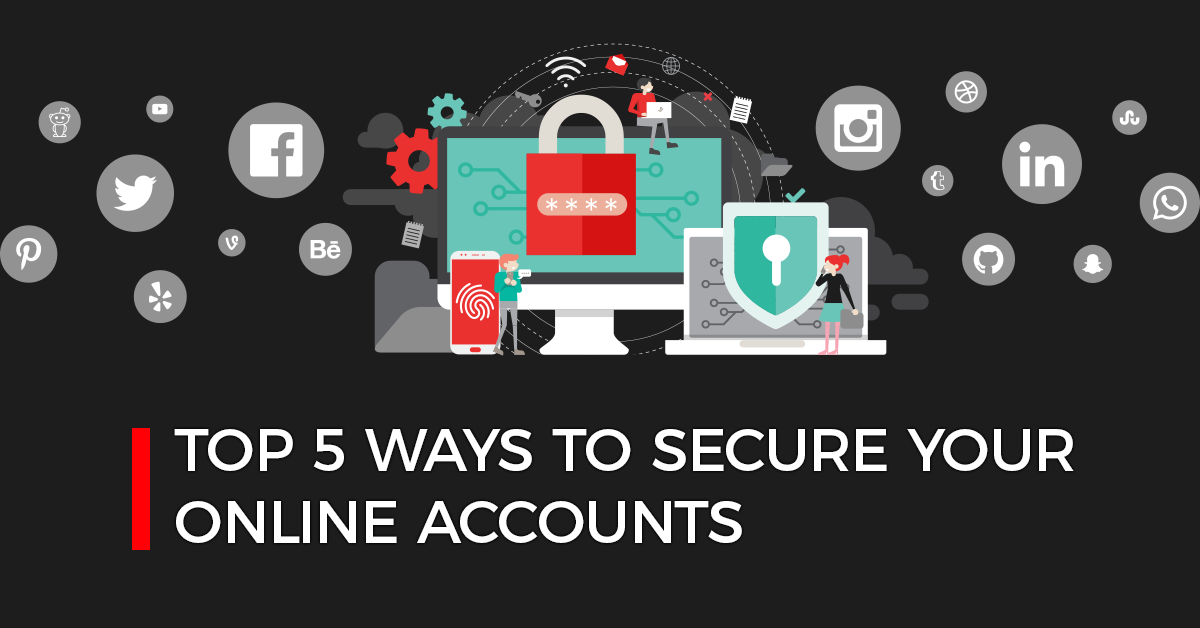
The first step in basic cyber hygiene is establishing strong access barriers. Passwords should never consist of predictable personal details, such as birthdays or names. Instead, utilize complex passphrases combining uppercase letters, lowercase letters, numbers, and symbols. Pairing strong passwords with Two-Factor Authentication (2FA) significantly reduces vulnerability, ensuring that stolen credentials alone are insufficient for unauthorized account takeover.
Article 2: Phishing Attacks and How to Spot Them
Phishing remains the most prevalent technique used by cybercriminals to compromise accounts and extract sensitive financial details. These attacks mimic authentic communications from legitimate institutions, such as commercial banks, postal couriers, or social media platforms, directing users toward fake authentication portals.
Recognizing a phishing attempt requires careful verification before clicking any link or downloading attachments. Examine the sender’s exact domain name for subtle misspellings or uncommon extensions. Look for signs of artificial urgency, such as threats of account suspension or immediate prize deadlines. When in doubt, bypass email links entirely and navigate directly to official websites through a trusted browser bookmark.
Article 3: Fortifying Personal Devices and Operating Systems
Smartphones, laptops, and tablets serve as central vaults for our digital identities. Neglecting operating system maintenance leaves these devices vulnerable to known system flaws that malicious software can exploit.
Software updates contain crucial security patches designed to close discovered backdoors and vulnerabilities. Delaying system updates allows bad actors an open window to target unpatched flaws. To keep hardware protected, enable automatic updates for operating systems and third-party software, uninstall applications that are no longer supported, and utilize verified antivirus protection.
Article 4: The Hidden Dangers of Public Wi-Fi
Public wireless networks available in airports, cafes, and hotels offer immediate internet connectivity, but they often lack enterprise-grade encryption. Connecting to an open network exposes transmitted data to interception by bad actors sharing the same local access point.
Through “Man-in-the-Middle” (MitM) attacks, attackers can snoop on web traffic, intercept login cookies, and steal plain-text credentials. To counter these threats, avoid logging into financial platforms or making credit card purchases while connected to public Wi-Fi. Utilizing a reputable Virtual Private Network (VPN) encrypts connection traffic, transforming transmitted data into an unreadable stream.
Article 5: Data Backup Strategies and Ransomware Defense
Ransomware is an intrusive strain of malicious code that encrypts critical local files, demanding extortion payments in exchange for decryption keys. Falling victim to ransomware can permanently destroy documents, family photos, and business records.
A dependable backup system acts as the best safeguard against data loss caused by extortion attacks or hardware failure. Adopting the industry-standard 3-2-1 backup strategy provides reliable resilience:
- Maintain 3 total copies of your data.
- Store them on 2 separate physical media formats (e.g., local hard drive and solid-state storage).
- Keep 1 copy safely offsite in an encrypted cloud storage environment.
Article 6: Social Engineering and the Human Firewall
Not all cyber threats rely on sophisticated coding; many exploit common psychological tendencies such as fear, trust, curiosity, and helpfulness. This discipline is known as social engineering.
Impersonation schemes often involve criminals posing as internal IT technicians, fraud management agents, or close associates requesting quick financial assistance. To establish an effective mental firewall, never disclose One-Time Passwords (OTPs), PIN codes, or private credentials over voice calls or SMS. Verify any urgent request by independently contacting the sender through an official, verified phone number.
Article 7: Managing Your Social Media Footprint and Privacy
The personal details shared on social networks provide intelligence that cybercriminals use to mount identity theft or targeted phishing campaigns. Information such as pet names, residential areas, travel itineraries, and workplace details helps attackers guess security questions and craft persuasive scams.
Controlling your digital footprint requires active management of privacy configurations across social profiles. Limit public profile visibility to confirmed friends, disable background location tracking, and review app authorization permissions regularly. Mindful sharing keeps personal records private and lowers exposure to data aggregators.
Article 8: Securing E-Commerce and Digital Payments
Online shopping and digital payment gateways provide speed and convenience, but they also attract card-skimming operations and fake storefronts. Protecting monetary resources requires strict digital payment security habits.
Before entering credit card information, confirm that the site utilizes transport encryption, indicated by https:// in the URL and an intact lock symbol in the browser address bar. Avoid saving credit card details permanently on retail accounts. Where possible, utilize tokenized virtual debit cards, secure third-party payment gateways, or low-limit credit cards rather than direct debit access to primary savings accounts.
Article 9: Password Managers and the Death of Memorization
Relying on human memory to manage dozens of complex passwords frequently results in dangerous credential reuse across multiple web portals. When a single service suffers a data leak, hackers test the exposed password against email accounts, banks, and enterprise portals.
Password managers resolve this issue by generating, storing, and auto-filling unique, cryptographically random strings for every account. By securing this vault with a single, highly complex master passphrase and a multi-factor authenticator, users eliminate password duplication without sacrificing security.
Article 10: Cultivating Sustainable Digital Awareness
Cyber security is not a single software installation, but an ongoing operational discipline. As artificial intelligence tools advance and deepfake technologies improve, cyber fraud methods continue to evolve in complexity and speed.
A sustainable security posture relies on continuous education and mindful skepticism toward unverified digital events. Regularly auditing application access permissions, reviewing credit reports, updating recovery details, and keeping abreast of current digital fraud schemes ensures a resilient, secure online journey.